Importing history, Health and Apple Watch
You don’t have to start from zero. Import the history you logged in another app, and connect Apple Health (Health Connect on Android) and your watch.
How it works
- Settings › Import workouts reads the export file from MacroFactor, Strong or Hevy. You check how its exercises match ours before anything is saved.
- Imported workouts count for your history, records and starting weights, but earn no XP, Work or loot: those come from training here.
- Your first workout of an imported exercise starts from your best of its last 3 imported sessions.
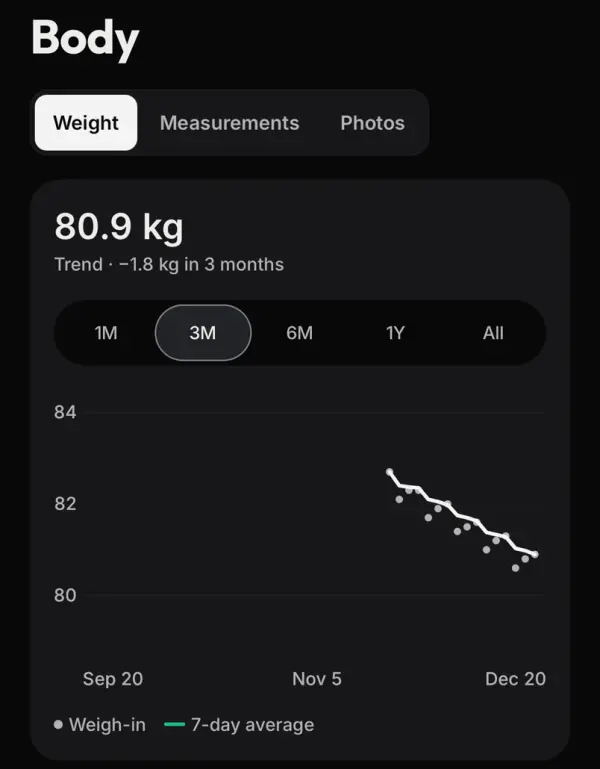
- Apple Health: each finished workout is saved there as its kind: lifting as a strength workout, a timed session as a run, ride, swim, walk and so on. The app reads your body weight, height, age and sex for your body profile and strength standards, and the heart rate your watch recorded.
- Cardio inside a lifting workout: a bike, rower, treadmill, elliptical or stair climber block is saved as its own cardio workout (a ride, a row, a run and so on), from when the block started to when it ended (in Apple Health with the distance a Bluetooth machine measured). The lifting workout leaves that time out, so nothing counts twice. In Apple Fitness and Health it shows as a second workout right next to the strength one; in Health Connect as a separate session, with the lifting time marked as weightlifting. A run or walk logged as plain Running or Walking (not the treadmill) saves as an outdoor one. A block under a minute, or a workout that was only the cardio, stays one workout. Workouts saved before this stay as they are.
- Walks and hikes: a walk you time here is saved to Health (or Health Connect) as a walk. If you also recorded it as a walk or a hike in another watch app, that workout stands for it and its heart rate counts toward Walking.
- The first time you start a workout, the app asks whether to connect Apple Health (Health Connect on Android) and says what it is for, before the system asks. Not now starts the workout with nothing asked, and the question doesn’t come back: connect any time in Settings › Apple Health (Health Connect on Android).
- Apple Watch: starting a workout on the phone starts it on the watch, and finishing saves it once. The watch shows your current set and can log sets back to the phone.
Example
You logged a few years in Strong. Import its file: your squat history, records and charts come over, and your first squat here starts from your recent best instead of an empty bar.
What to do
Import before your first workout so your starting weights are right. Connect Health in Settings to save your workouts and fill in your body profile.
Read next
- The first session of an exercise
How the app finds your weight with no history
- Apple Watch
Heart rate, logging sets from your wrist, whole workouts without your phone, and complications on your watch face
- Wear OS watches
Heart rate, logging sets and whole workouts on a Wear OS watch, the IronLevel watch face, complications and Tiles
In the app
Import workouts
From MacroFactor, Strong or Hevy