The exercise library
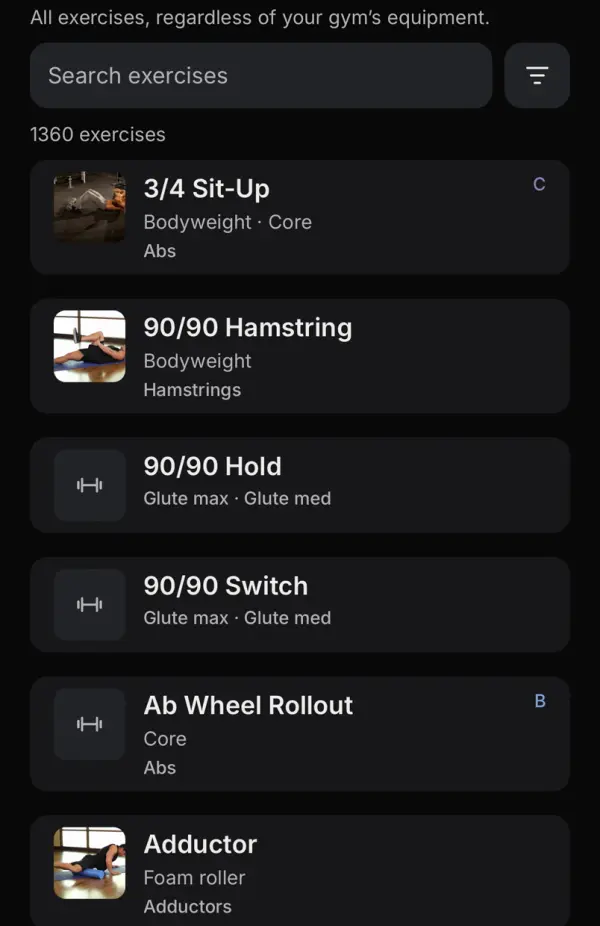
The library is every exercise the app knows, each rated for how well it builds muscle and strength. Programs, swaps and the exercise picker all choose from it, filtered by your gym and by anything you have asked to avoid.
How it works
- How exercises are chosen: the program builder keeps only exercises your gym can run and your experience suits, then ranks them by their rating for your goal (tiers S, A, B and C). It rotates them across repeated days and starts each day with the big compound lifts.
- Ratings: each exercise is scored on its stimulus, stability, fatigue, how easily it progresses, skill and joint stress. The builder weighs the top 4 of each kind, so a well-rated exercise wins more often but not always.
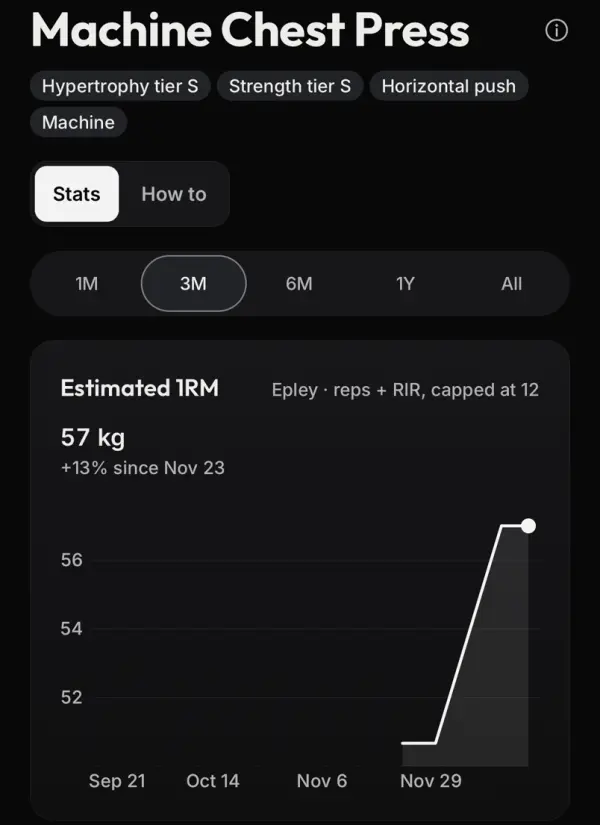
- Exercise pages: tap any exercise for its pictures and how-to, muscles, equipment and ratings, then your records, e1RM trend and recent workouts with it. Its Muscles card starts with a small front and back body map: the main muscles solid, the helping ones lighter. Settings › Exercise database lists the whole library, whatever your gym has.
- Search: type the start of the words in an exercise’s name or another name it goes by. Steady cardio also comes up for LISS, steady state or low intensity: the cardio machines, running and the walks.
- Adding your own: in the exercise picker, search, then Create. Give it a name, a movement pattern, how it loads, its sides, and its main and helping muscles. Its sets count toward those muscles and earn the skill of its pattern. Under Other, one whose main muscle is the calves or the inner or outer hips earns Squat, and the forearms, rotator cuff or neck earns Pull, as the library’s own do; any other earns no lifting skill XP.
- Machines: the first time you log an exercise on a machine, pick or create the machine. Its setup holds its starting weight, its pin step and top of the stack, or the plates kept at it; progression moves it one real step at a time.
- Exercises to avoid: Settings › Exercises to avoid, or Don’t suggest this again on a swap. An avoided exercise is never put in a program, a swap or a gym substitute; ones already in your program stay until you swap them.
- Limitations: in Settings › Training, mark sore areas (7 to choose from, from shoulder to ankle). Exercises that load them badly are left out like avoided ones; others are marked “Easy on your …” and offered last in swaps. This is not medical advice.
- What it can’t do yet: the program builder never picks your own exercises, and they never appear as swaps or substitutes. You can’t put your own exercise on the avoid list, and the Exercise database has no Create button.
Example
You dislike upright rows. Tap Don’t suggest this again when one is offered as a swap: it joins your avoid list, and the next program you build picks a different shoulder exercise instead.
What to do
Add the exercises you want kept out before you build a program, and set your limitations if anything hurts. Create your own exercise only for a movement the library truly lacks, and file it under the pattern it trains so it earns XP.
Read next
- Your gyms
Set up a gym, keep several, and swap gyms for a workout
- Programs
Built for you, from the library, or your own
- XP and Work
How a set turns into Work, and Work into XP