Train from your watch, phone in the locker
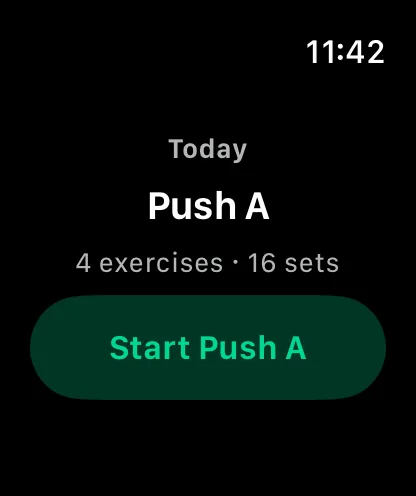
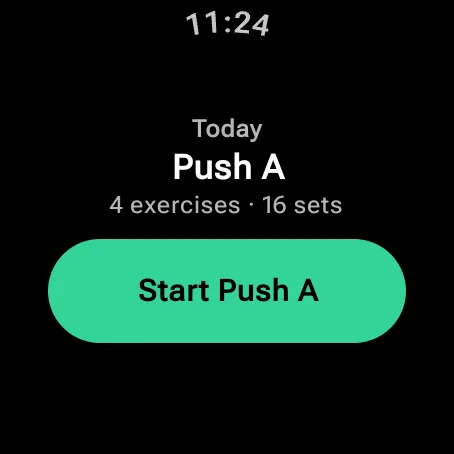
- With no workout running, your Apple Watch or Wear OS watch shows today's workout with a Start button.
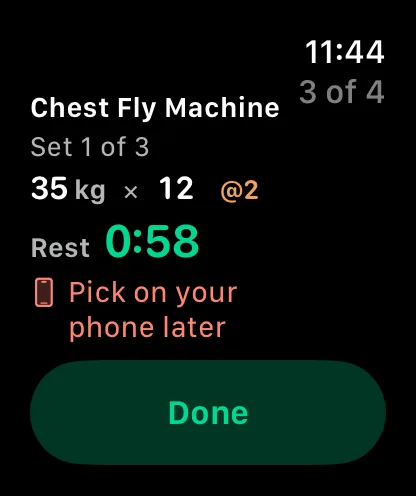
- It walks you through every exercise and set, with the weight, reps and your rest timer.
- No phone needed during the workout. When your watch and phone are back together, the workout lands on your phone as a normal session.
- Need a machine the watch doesn't know? It says "Pick on your phone later" and you sort it out afterwards.
- If the Wear OS app crashes or gets closed mid-workout, opening it again picks the workout back up, time and heart rate included.
- Every Wear OS button and number now reads out properly with TalkBack.
Steps
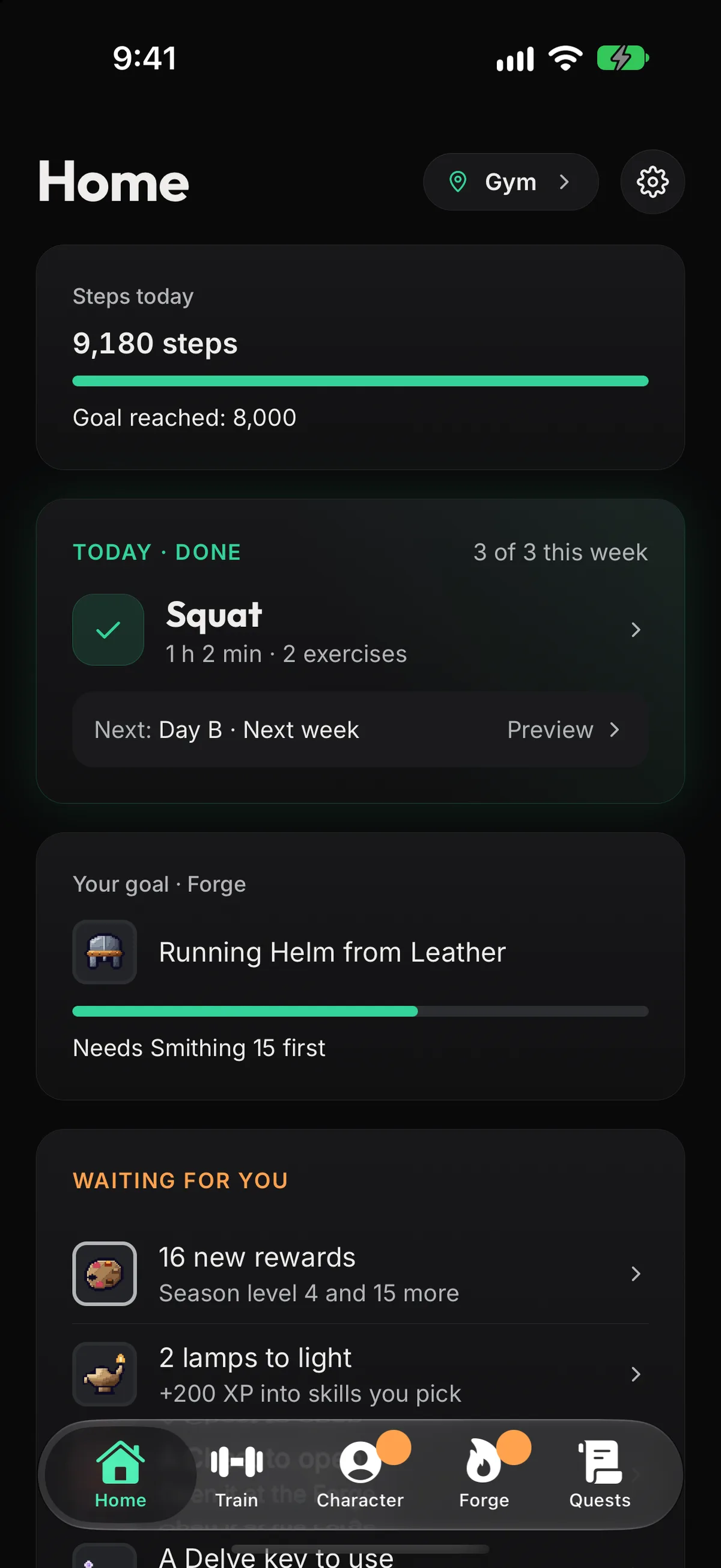
- Your daily steps are on Home, with an 8,000-step goal you can change in Settings.
- Reach the goal for a small reward each day. Missing a day costs you nothing.
- Steps earn Walking XP, up to 10,000 a day.
- A brisk walk you didn't start in the app still counts as a Walking session once it's 10 minutes or longer.
- With an Apple Watch, the app combines iPhone and Watch steps, so a walk with your phone on your desk still counts.
Widgets
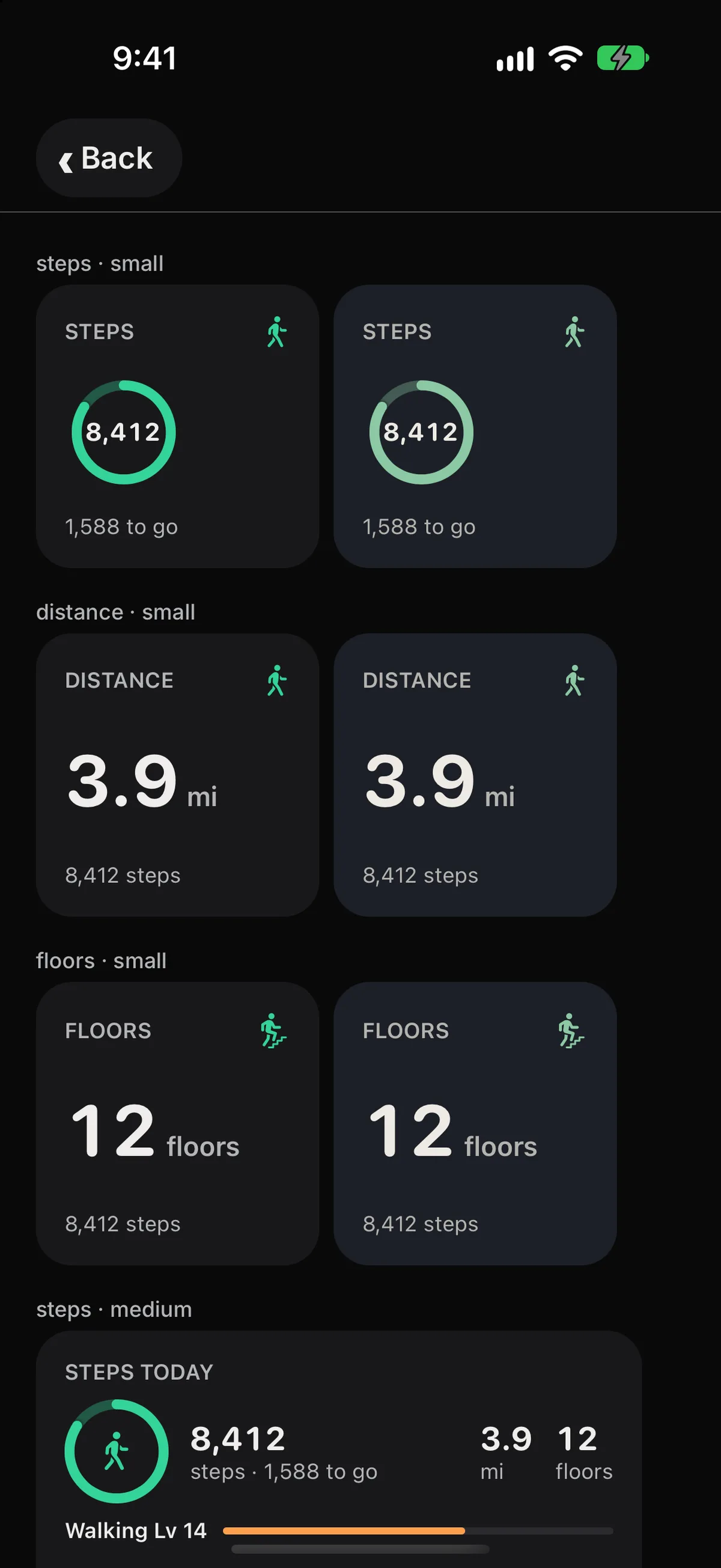
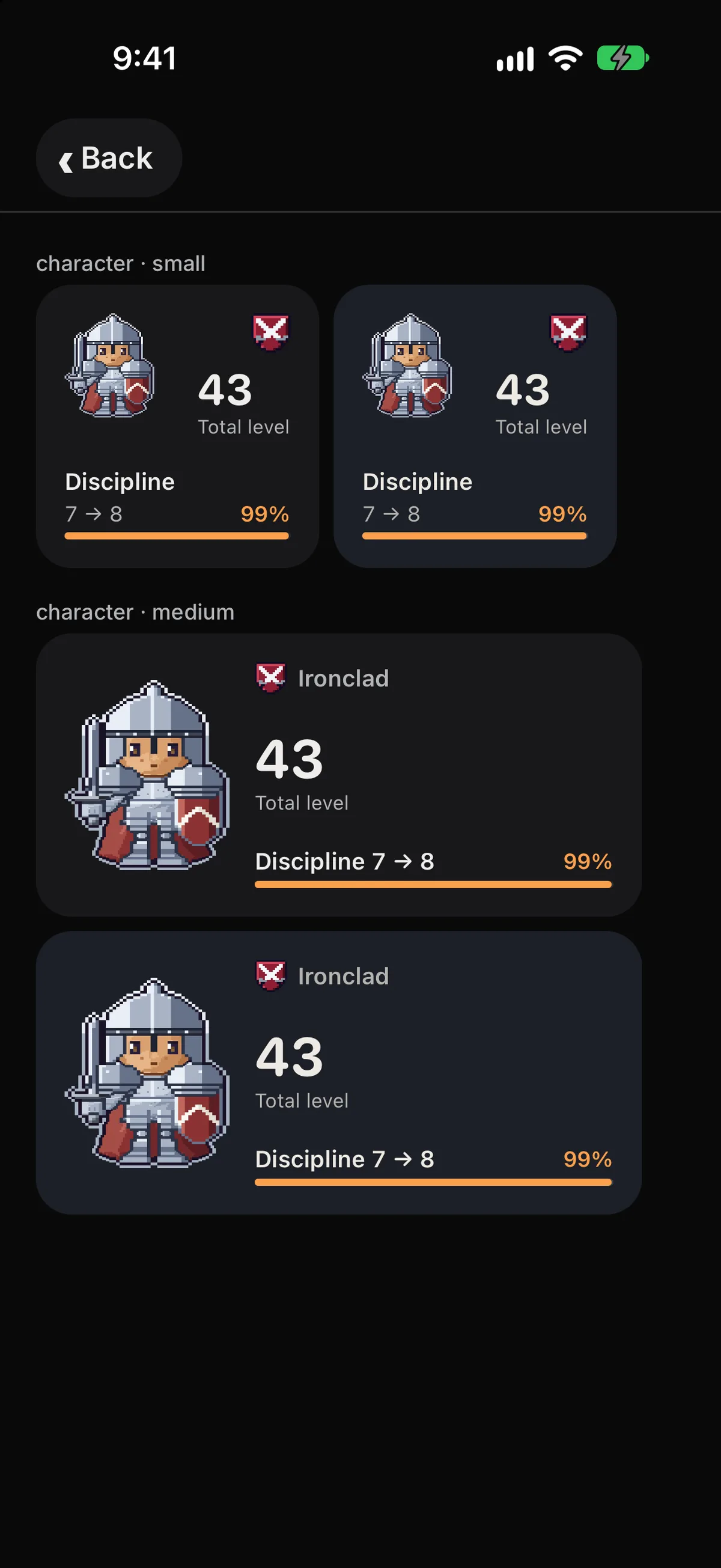
Put IronLevel on your Home Screen and Lock Screen:
- Steps, distance or floors.
- Character: your hero, total level and the skill closest to its next level.
- Forge: what's crafting and when it's ready.
- This week: your training days against your weekly target.
- Pinned goal: how far you are from it.
- Lock Screen: your week ring and your next workout.
A new skill: Walking
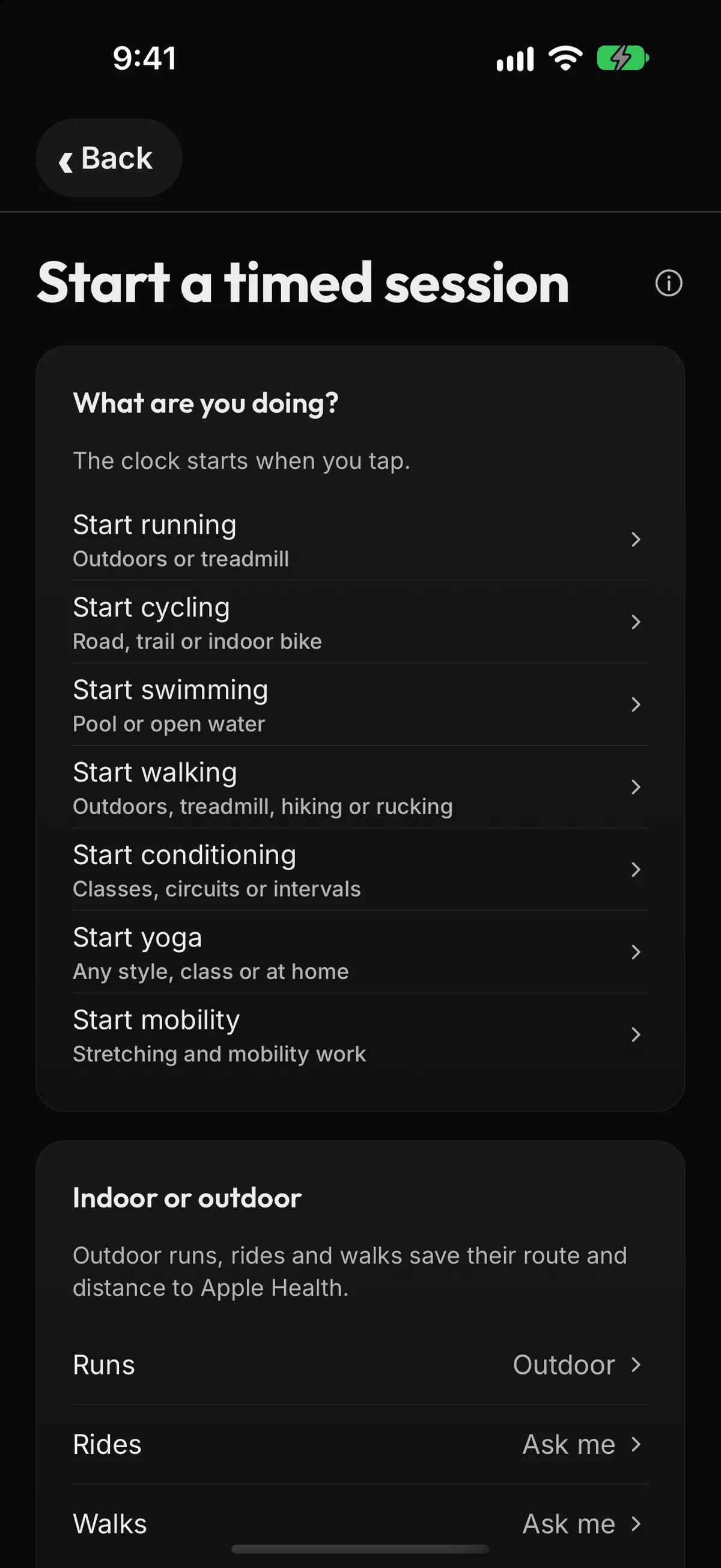
- Walks, hikes, rucks, treadmill walks and incline walks now earn Walking XP.
- Start one from the timed session list. Walks in a lifting workout and walks from Apple Health or Health Connect count too.
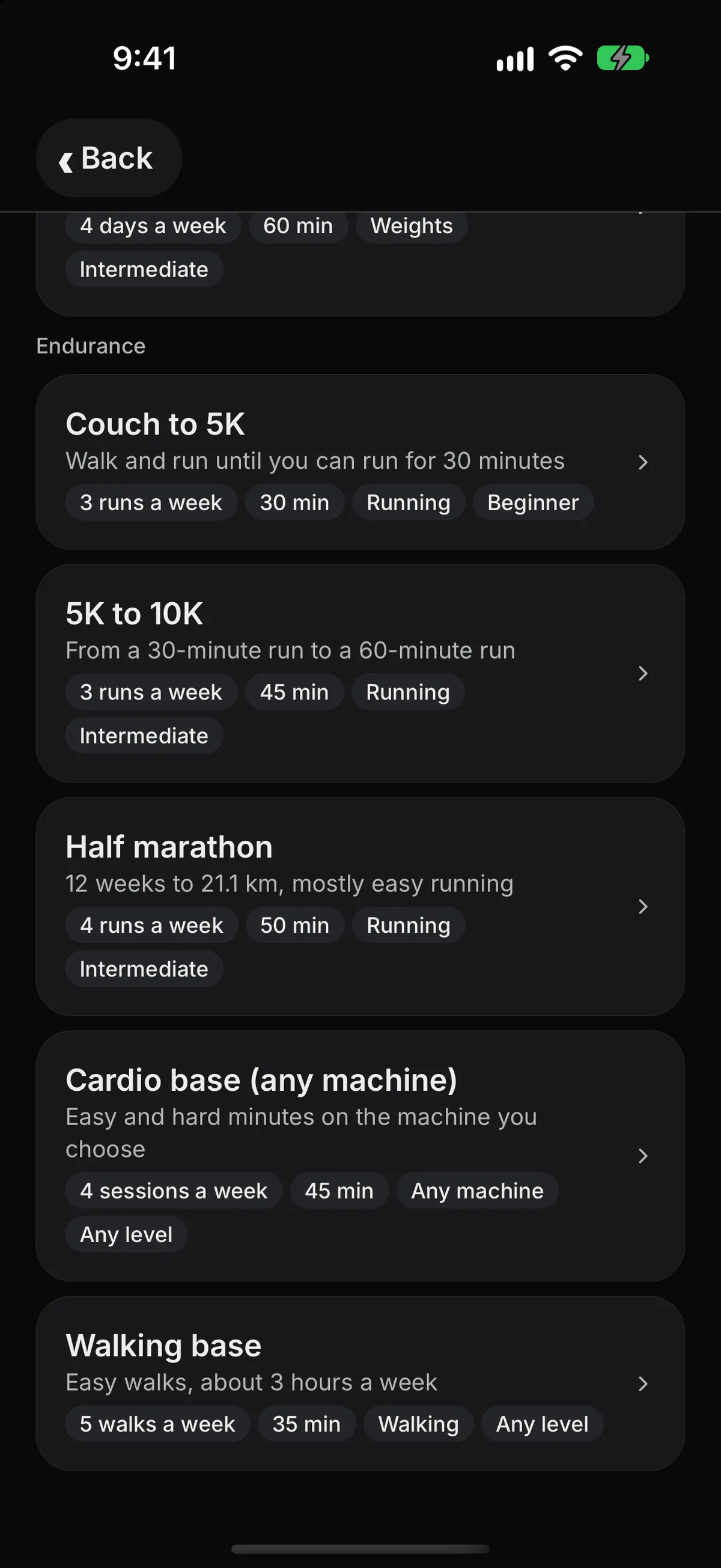
- New program, Walking base: five steady walks a week, about three hours in all, alongside your lifting.
Train in your heart-rate zone
- Any cardio block can have a target zone. Zone 2 is the easy one where you could still hold a conversation.
- A live bar shows your heart rate against the zone, and the app tells you when you drift out of it.
- Change the zone mid-session, and see your time in zone afterwards.
- Works with an Apple Watch, a Wear OS watch or a Bluetooth heart-rate strap.
Bluetooth bikes, treadmills and sensors
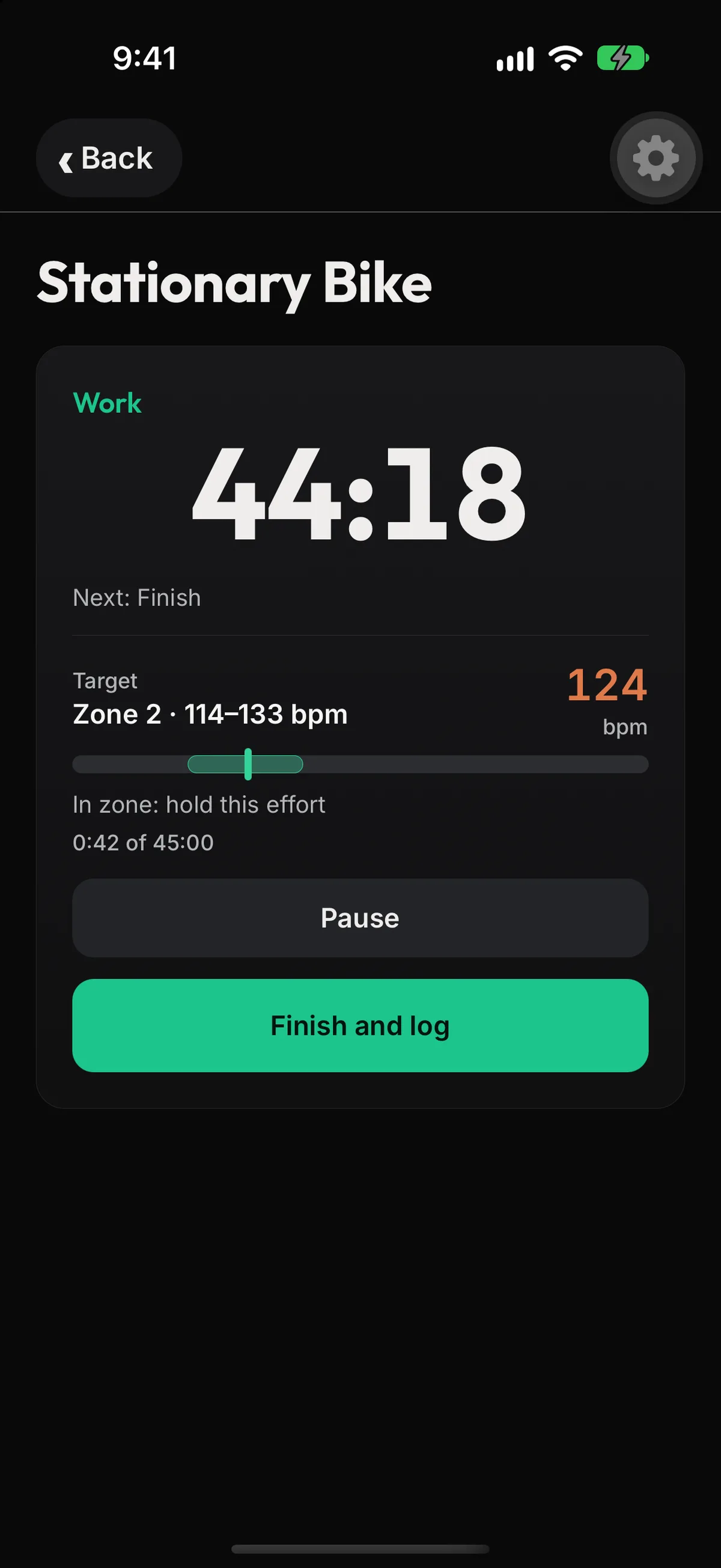
- Connect a smart bike, treadmill, rower, elliptical or stair climber that supports Bluetooth FTMS. Its power, cadence, speed and distance show live and save with your session.
- On machines that allow it, intervals set the resistance or target watts for you. One tap gives you back control.
- Bluetooth speed and cadence sensors, power meters and heart-rate straps work too. A chest strap's heart rate is used ahead of your watch's.
- Set it up in Settings → Machines and sensors.
Plan your week
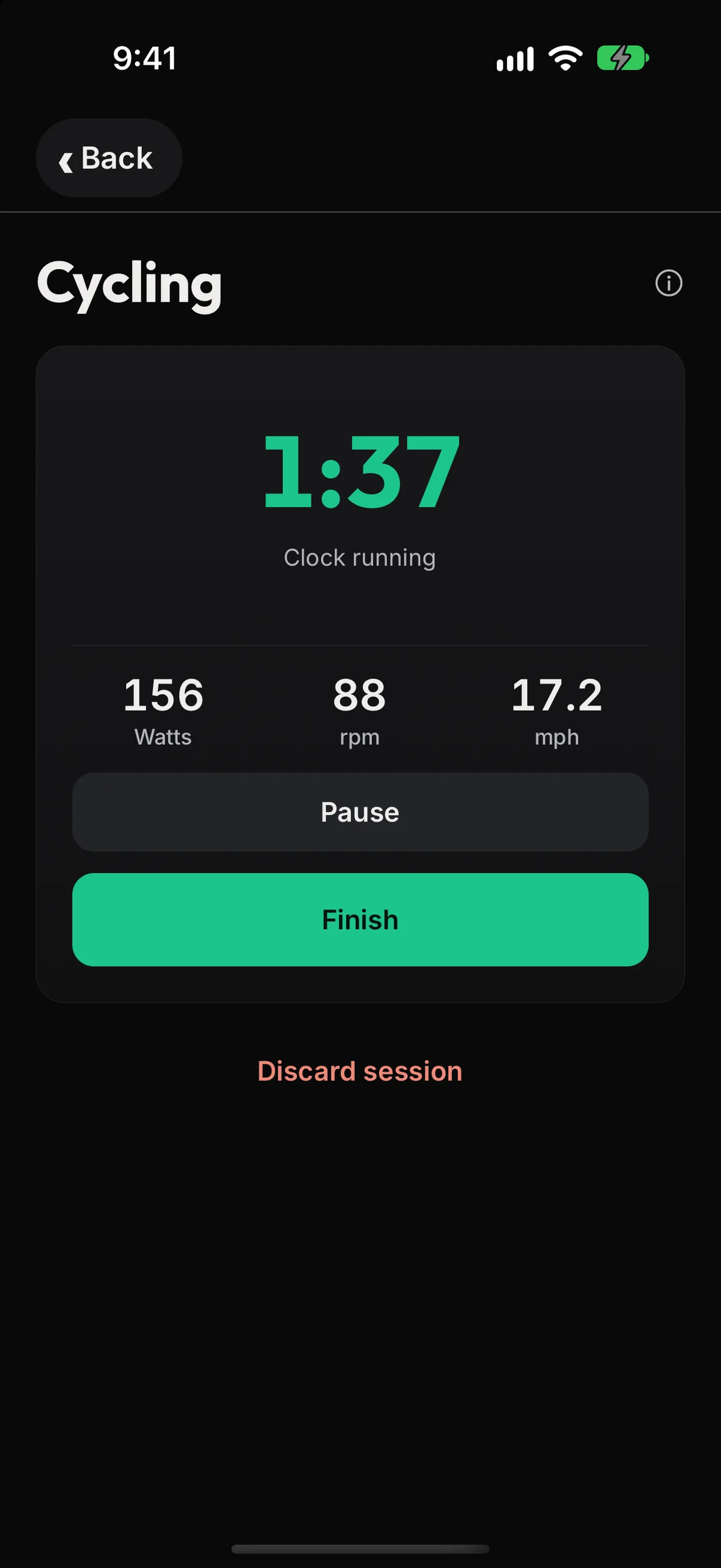
- When you build a program, the app suggests how many lifting and cardio days to do. For most people that's 3 lifting days and 2 cardio days.
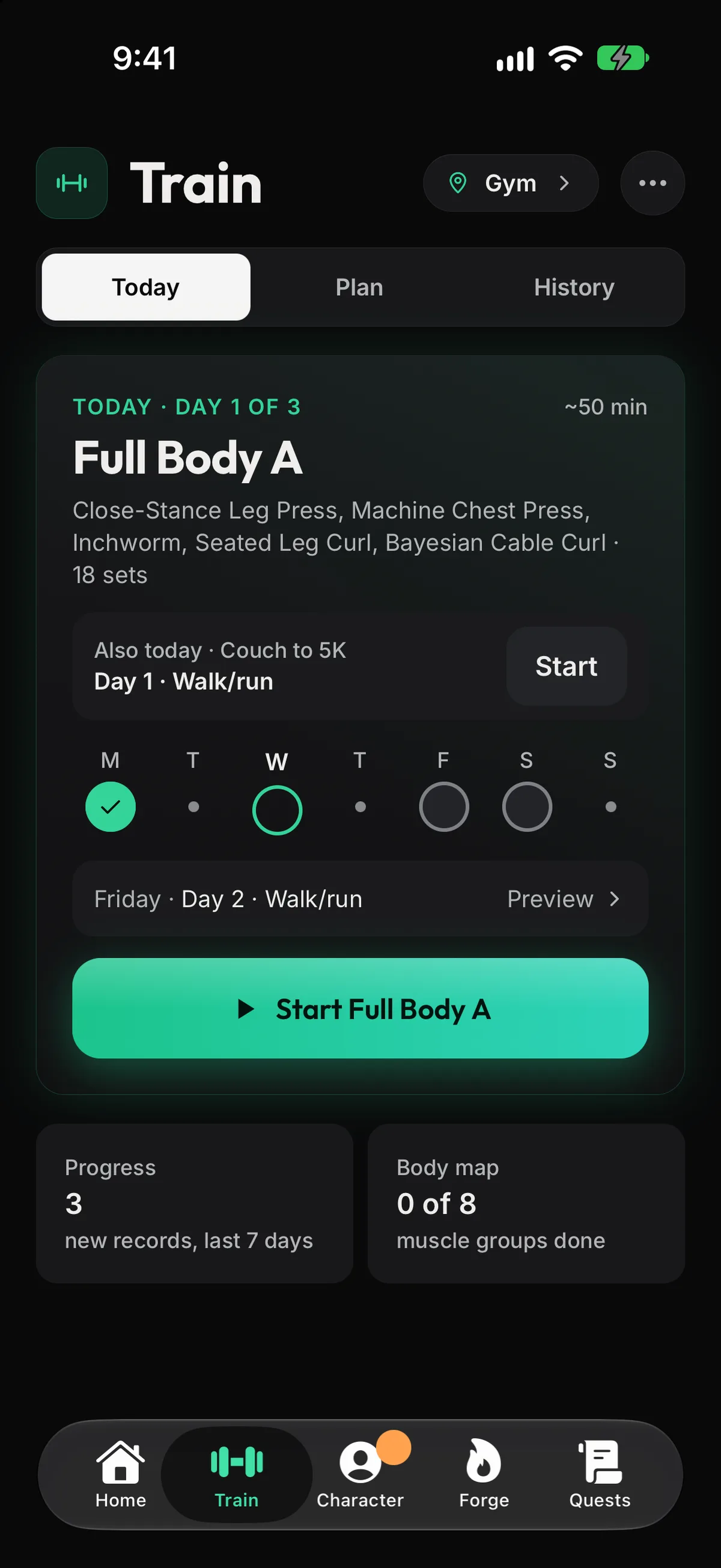
- Run a lifting plan and a cardio plan at the same time. Today shows both.
- Pick which weekdays each plan trains.
- Restart a stopped plan and it picks up where you left off, or start it over.
- Once you've trained today, Home shows today as done instead of jumping to tomorrow.
Cardio your way
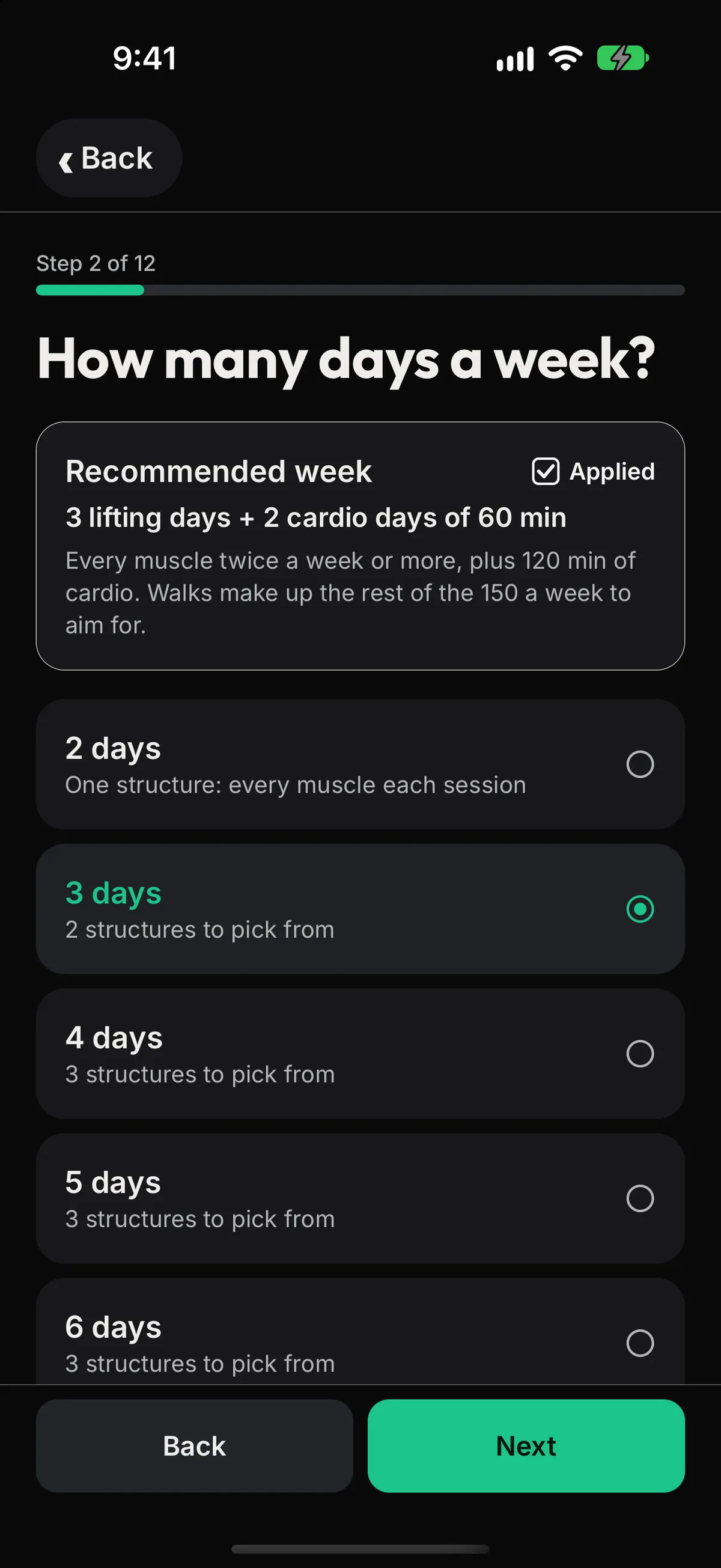
- Have cardio days and light cardio after lifting in the same week.
- Cardio after lifting can add time to your session or fit inside the time you picked.
- There's a new machine: the stair climber.
- Every machine now tells you how to go easy on it. Yes, even the air bike.
- "Your week" adds up your cardio minutes against the 150 a week to aim for.
Goals and the game
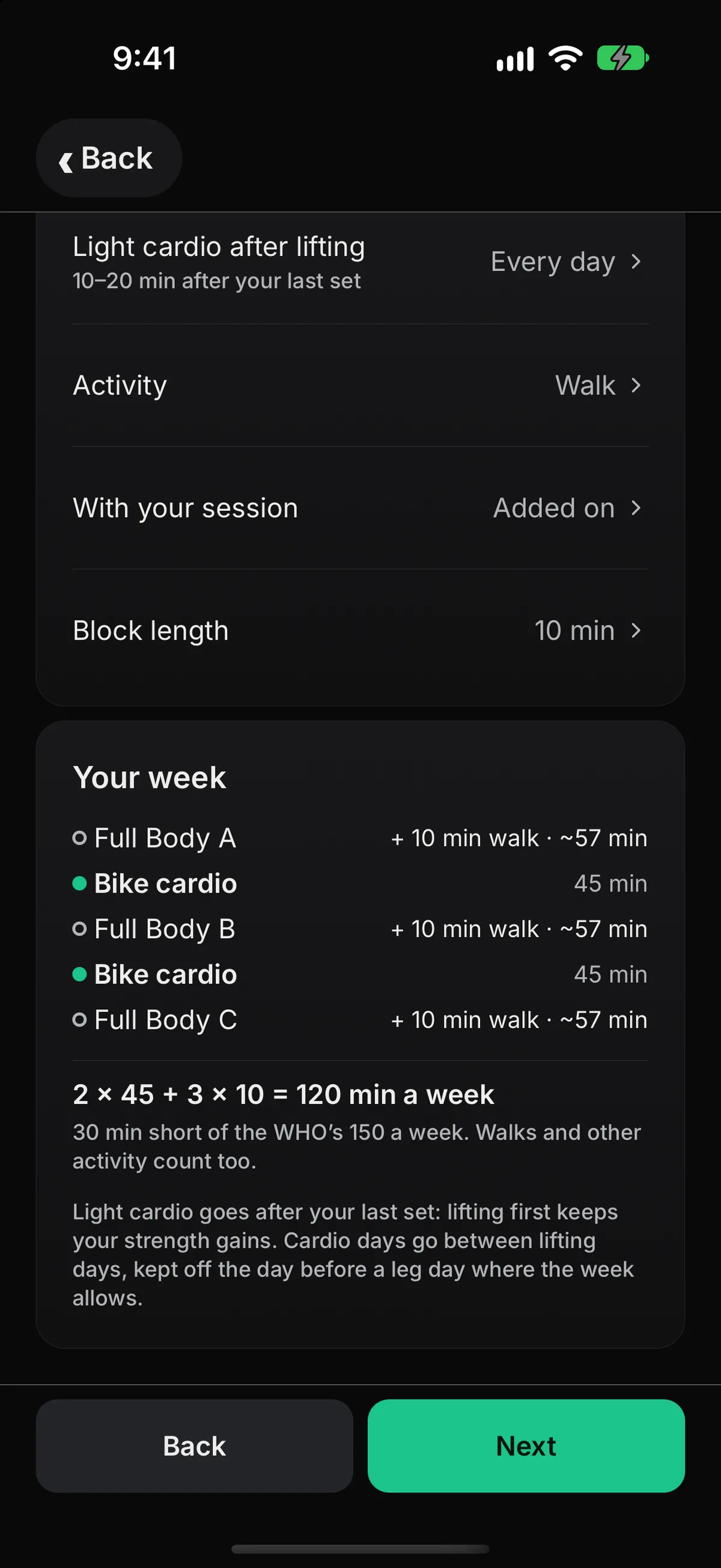
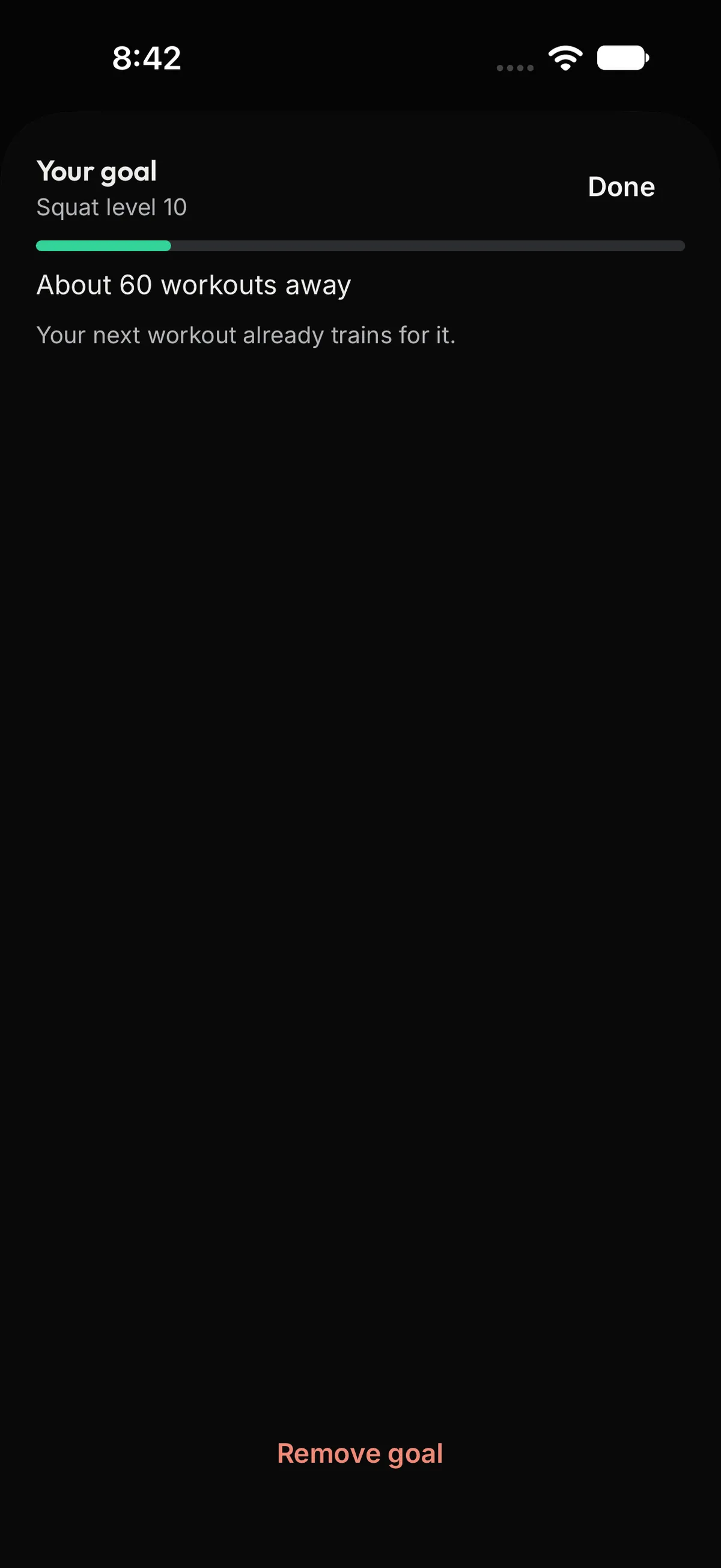
- Pin one goal (a recipe, a skill level, a Feat or a Delve find) and see about how many workouts away it is, based on your own pace.
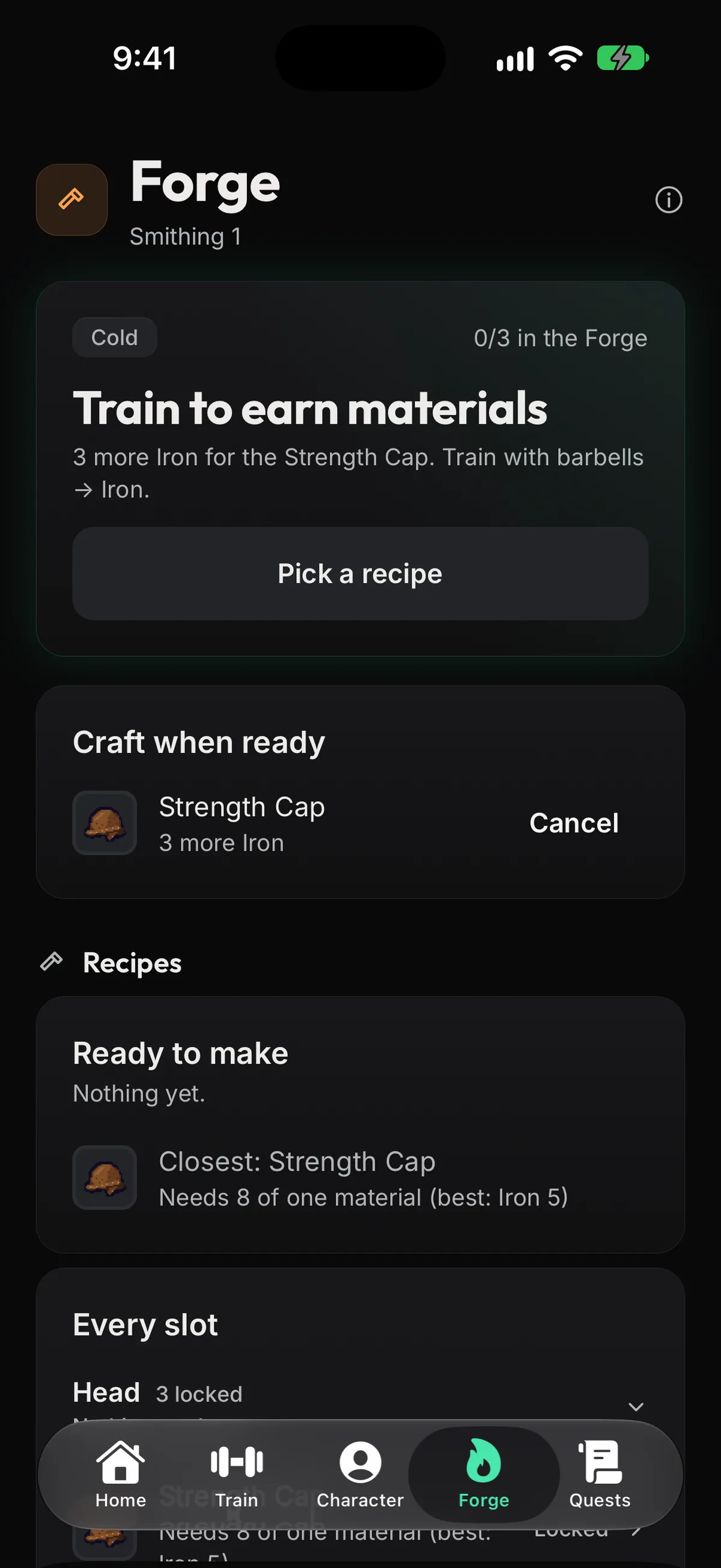
- Craft when ready: reserve a recipe you can't afford yet, and the Forge starts it as soon as a workout earns the materials.
- First steps: a short quest chain that walks you through the game, from picking your class to your first Delve.
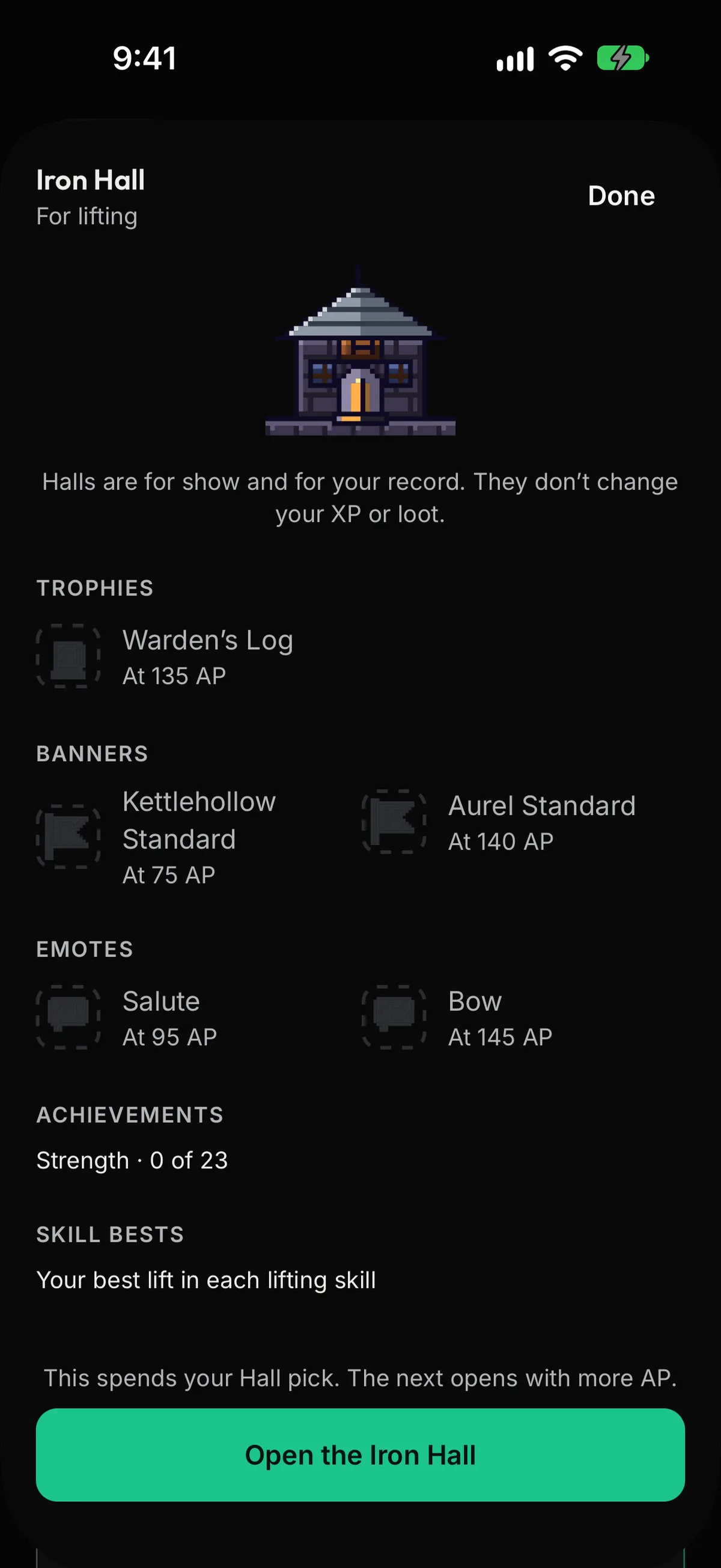
- Tap any Hall in Kettlehollow to see what's inside before you open it.
- Character and the Forge are cleaner: less text, with what matters first.
- All the item, gear and town art has been redrawn at twice the detail.
Also in this update
- Search "LISS" or "steady state" to find easy cardio.
- Session lengths no longer get stuck on "Counting sets…".
- The in-app guides cover everything above.