Updating IronLevel
Now and then a version of IronLevel gets too old to keep your progress in sync. When yours is, the app shows Update IronLevel in place of everything else until you update. When a newer version is out but yours still works, Home tells you instead.
How it works
- Update IronLevel: one line, “This version is too old to keep your progress in sync”, and one button, Update. It shows even before you sign in, and it cannot be closed.
- Update opens IronLevel’s page in the App Store, or Google Play on Android. If you test IronLevel through TestFlight, it opens TestFlight instead.
- Once the new version is installed, open IronLevel again and everything is where you left it. Updating keeps your workouts, XP and items.
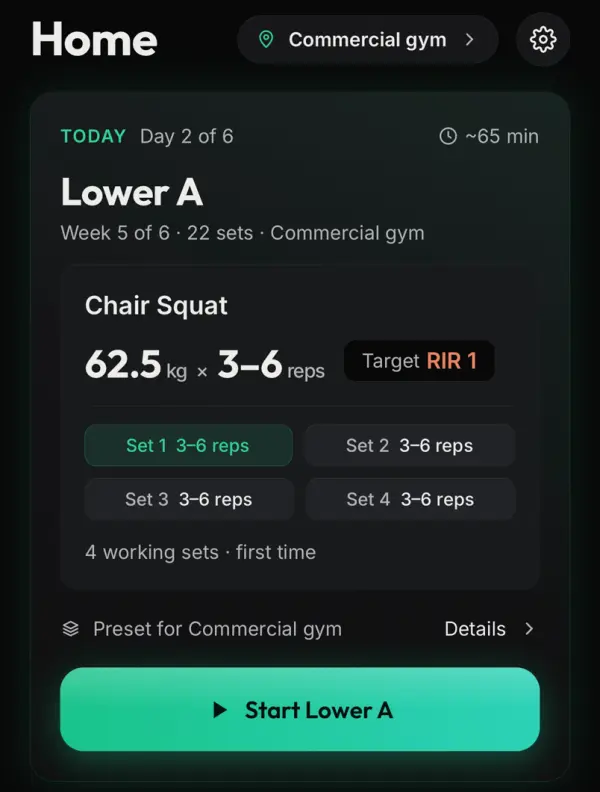
- Update available: a card on Home, under the header, when a newer version is out. It names the version and where to get it. Update opens the store page; Not now hides the card for a day.
- No signal never locks you out: if the app cannot check, it carries on as normal.
Example
You open IronLevel after months away and see Update IronLevel. You tap Update, the App Store opens on IronLevel’s page, and you update it there. You open the app again and Home is back, with your plan and your hero as they were.
What to do
Tap Update and install the new version from your store. Turning on automatic updates for apps on your phone keeps this from coming up.
Read next
- Records, Skill bests and your year
What counts as a record, where your bests live, and your yearly review
- How it all fits together
Start here: what one workout feeds, and what to do each day and week